
Safe to trust
You set the limits. Esplanda works inside them.
Set your limits once, switch to approve-everything at any time, and export all of your data whenever you like.
Esplanda POS and your website are free to start, with no card needed. Nothing runs on its own until you allow it. See how Esplanda works.
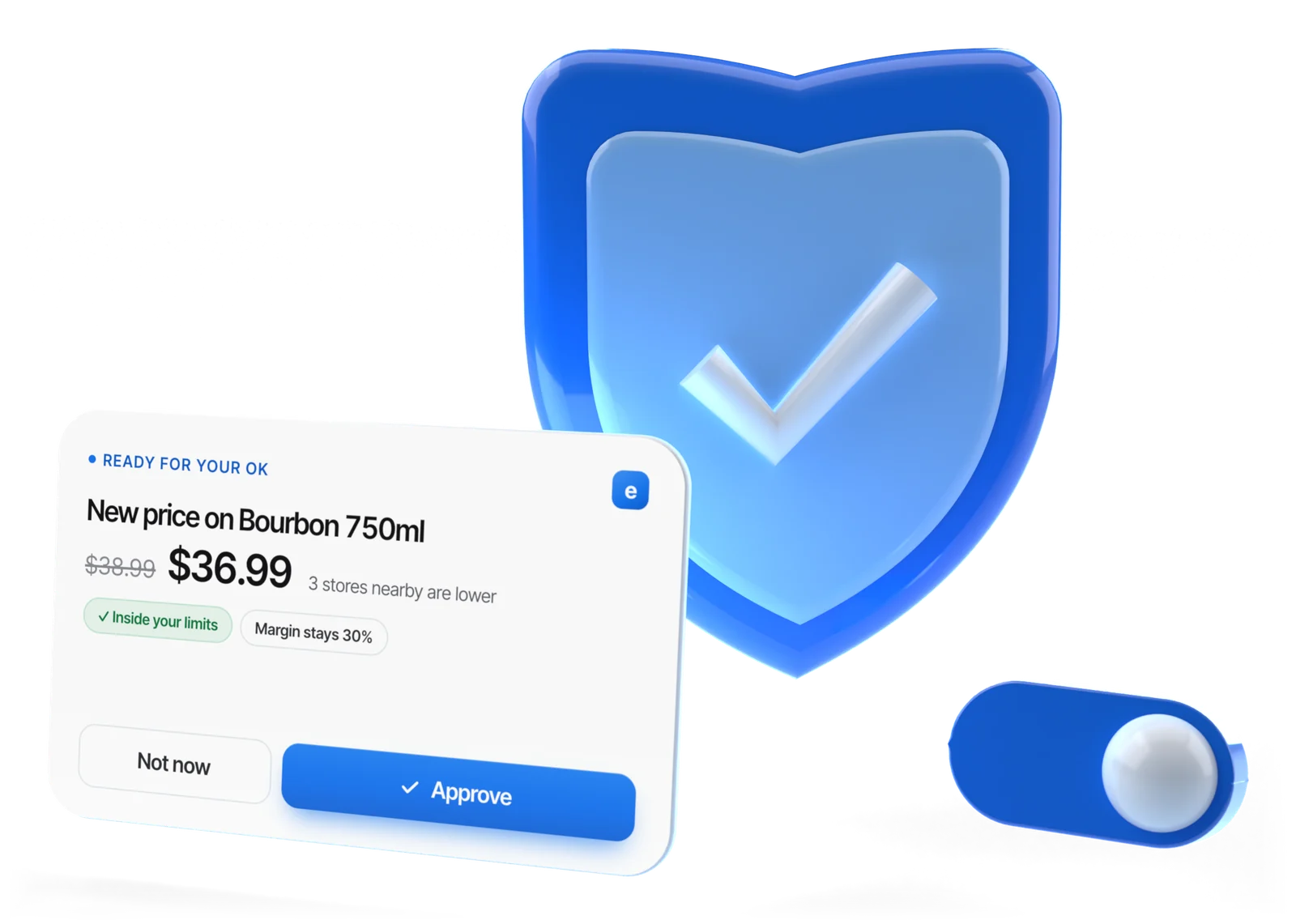
Illustrative example
You stay in charge
What Esplanda never does alone
Nothing on this list happens until you say yes.
This list can't be switched off, by you or by us.
Always waits for your approval
- Anything outside your limits
- Replies to 1–2 star reviews
- Complaints, refund requests and anything touching alcohol rules or a legal claim
- Any ad spend, including paid social boosts
- Publishing a blog post
- A price move near your floor or larger than your maximum move size
- Marketplace prices
- A shift swap that breaks your rules
These always wait for your approval.
Approve everything, any timeSwitch your store into approve-everything mode and no automated action happens until you say yes.
Controls
Six controls you keep
Safety here isn't a promise in a paragraph. It is a set of controls you can see, change and check.
Limits you set once
The maximum order value and a weekly ceiling, approved suppliers, a floor margin, your price rules, the deepest discount, an ad spend cap per channel, how often a customer may be contacted, the hours messages may be sent, escalation rules and which capabilities may act at all. Anything outside them becomes an approval request.
Approval in one tap
Set a capability to advise or prepare, and nothing spends money or changes a price on its own. Set to prepare, the work is drafted and waits for your yes.
One capability at a time
You hand over one capability at a time, once you trust it, and can revoke any of it whenever you want. Autonomy follows results: in any area where results fall short of forecast, Esplanda steps back until accuracy recovers.
It learns when you say no
Change a price it set or reject a campaign, and it stops doing that and remembers why for next time.
Every action logged
Who or what did it, when and why, with what it predicted and what it earned. See how we measure results.
Actions you can reverse
A price change goes back, a campaign stops, an order is canceled.
Rather approve everything yourself? Approve-everything mode keeps every action waiting for your yes, for your first month, a holiday week or for good.
Two switches
Approve everything, any time
Switch your store into approve-everything mode at any time, without calling anyone, and no automated action happens until you have said yes to it, item by item.
- Your switch. Turn it on for your first month, for a holiday week when you want to make every call yourself, or for good. Same price, whenever you use it.
- Nothing goes ahead without you. While it is on, every automated action waits for your yes.
- Esplanda's switch. Esplanda can halt every automated action across every store instantly, with one switch. Nothing automated resumes until the cause is understood.
- The counter keeps selling. If the internet or Esplanda goes down, Esplanda POS keeps ringing sales and syncs when the connection returns. See the POS system with inventory management.
This is how business automation software should behave in a store: rules you set, and a way to stop them.
On · every action waits for your yes
Illustrative example
Support access
Who at Esplanda can see your account
Support is read-only by default. Working inside your account needs your permission, runs on a clock that ends by itself, and finishes with an email listing everything that was done, including every blocked attempt.
Read-only first
Most questions never need access. When Esplanda proposes or takes an action, the reason is stored at that moment: the figures it read, the rule it applied and the result it expected. So "why did you order that much?" is answered from that record, not rebuilt afterwards.
When that isn't enough, support can re-run a past decision on the exact data it saw at the time and show the working. A re-run can't order, message, reprice or change anything; that ability is removed, not just discouraged.
What support sees without going in
The state of your account, not the contents of your business.
- Recent automated actions, each with the reason stored at the time
- What each was measured to be worth, in dollars
- Which of your limits are set, and which are being hit
- Whether a register connection is syncing and what is failing; see POS integrations
- Errors in plain language, not codes
- An account score with every reason behind it, never a bare number
When someone does need to go in
You're asked by name, for a reason and for a length of time, and you can say no. Saying no doesn't end the conversation; the problem gets solved the longer way.
The request
Names the person, what they want to do, for how long, and what they won't be able to see. Nothing happens until you allow it.
The banner
Across every screen for the whole session, with the person's name and the time left. It can't be dismissed.
The clock
Kept on our servers, with no grace period. When it runs out, the session ends, finished or not.
The email afterwards
Every action with its time, every blocked attempt, and a way to dispute any line.
The record
Can't be edited or deleted by anyone, including Esplanda, and stays even if the feature is switched off.
Five things no session can do
- Change the limits on what Esplanda may do on its own
- Give an approval that is reserved for you
- View payment details
- Delete data
- Start a second session from inside the first
Each attempt is blocked with the rule named on screen and written to your record. Outside a session, support can propose a change to your limits, but only you can approve it.
No notification, no access
If you can't be notified, nobody can enter your account. When the notification path is down, account access is switched off rather than going ahead and telling you later.
For a genuine emergency there is one harder path: a written reason, a second approver at Esplanda, fifteen minutes at most, the on-call lead paged at once, and you notified when it starts, not after. Every use goes on a register reviewed each week.
Email and chat support are free to everyone. Phone support is $129 a month, and $0 while you process card payments with Esplanda. Refunds and invoices go through billing, and every message support sends you is written by a person. Read how POS system support works.
Promises you can check
What we promise, and how you can check it
Most software makes the same promises. What matters is whether there is something behind each one that you can test.
| The promise | How it works at Esplanda | The usual version |
|---|---|---|
| You can stop it | One switch halts every automated action across every store instantly; approve-everything mode for your store any time | A support ticket, business hours or the next release |
| Your data is yours | Products, customers, sales, purchase orders and suppliers, complete, any time | A partial export, or a report instead of the records |
| It works | Predicted and actual stored for every recommendation, in dollars: see how we measure results | Selected case studies and a round percentage |
| If the internet goes down | Esplanda POS keeps ringing sales at the counter | A register that stops when the connection drops |
| We find problems first | A failed register connection, an automated action below its forecast or a setup left unfinished lands on a list at Esplanda and gets worked. When automation is stepped down on its measured result, a person calls you. The view behind those lists holds business names and measures, never a customer, product or sale | You notice first, then open a ticket |
| We hold our automation to a number | Problems caused by Esplanda's own automation are counted apart from every other ticket, as a rate per hundred automated decisions, so doing less can't make the number look better | One ticket count, where a quiet month and doing less look the same |
The numbers we hold ourselves to
These are the targets we build to.
- Every support session in your accountcarries an audit record. Anything less and account access is switched off.
- No rows from one businessin any view across accounts, checked by an automated test on every build.
- Under five minutesto answer "why did Esplanda do that?", from the support view rather than an engineering queue.
- Fewer problems from our own automationevery quarter, toward no more than two per hundred automated decisions.
Your data
Your data stays yours
Your sales, customers, costs, prices and suppliers are yours alone. Here is exactly how Esplanda uses them.
Yours to take, any time
- Products
- Customers
- Sales
- Purchase orders
- Suppliers
- Outcome ledger
The complete records, not a summary or a PDF, and without asking.
- Never shown to another business. One store's data can never be seen by another store, including other members of a group you belong to. Running several stores of your own? See multi-location software.
- Never sold, never used to train a public model. Esplanda does use anonymous, pooled patterns across stores, such as how demand shifts in hot weather, to sharpen your forecasts. Nobody can see your numbers, your customers or your margins.
- Public prices only. The prices Esplanda tracks at nearby stores are public shelf prices. We never help two stores agree on anything. More on competitor price tracking.
On the record
Recorded, checked, kept in order
- Every action, on the record. Each one is recorded against its forecast where you can see it, and approve-everything mode is one switch away.
- AI answers, checked. Esplanda checks whether ChatGPT and Gemini name your store, and who they name instead of you.
- Compliance, kept in order. ID-scan age checks on every alcohol sale, with the records kept in order.
Questions
Trust and control: questions owners ask
Is it safe to let software order stock and change prices for my store?
It is when the software can only act inside limits you set. With Esplanda you set the maximum purchase order value and a weekly ceiling across all suppliers, the suppliers it may buy from, a floor margin, your price rules, the deepest discount an offer may carry, the ad spend cap for each channel, how often any one customer may be contacted, the hours messages may be sent, escalation rules and which capabilities may act at all. Any capability set to advise or prepare never spends money or changes a price on its own, and these always come to you: anything outside your limits, replies to 1–2 star reviews, complaints, refund requests, anything touching alcohol rules or a legal claim, any ad spend, publishing a blog post, a price move near your floor or larger than your maximum move size, marketplace prices and a shift swap that breaks your rules.
Can I turn off automatic price changes?
Yes. Leave pricing on advise-only, or switch to approve-everything mode, and every price change waits for your approval. Your margin floor is a hard boundary no price goes below, a move near a floor or larger than your maximum move size always waits for one tap, and your state's legal minimum on alcohol prices is never crossed.
Can I stop the automation if I don't like what it is doing?
Yes, at any time and without calling anyone. Switch your store into approve-everything mode, and no automated action happens until you have said yes to it. You can leave it there for a week, a season or for good.
How do I reverse something Esplanda did?
A price change goes back, a campaign stops and a purchase order is canceled. Every action is logged with who or what did it and why, and in any area where results fall short of forecast, Esplanda steps back until accuracy recovers.
Who can see my store's data?
You and the people you add to your account. Esplanda support works read-only by default and answers most questions from the stored record of what Esplanda decided; nobody at Esplanda works inside your account without your permission. Your sales, customers, costs, prices and suppliers are never shown to another business, never sold and never used to train a public model, and the anonymous, pooled patterns that sharpen forecasts never show anyone your numbers. Add-on POS apps show every permission they ask for before you install them, and apps built through the POS partner program use grants scoped to each store and location.
Can I export my data if I leave?
Yes. You can export all of your data at any time, without asking: products, customers, sales, purchase orders, suppliers and the outcome ledger. If you leave, you take everything.
What can Esplanda support do inside my account?
Only the job you allowed, for the time you allowed: you're asked by name, for a reason and a length of time, and you can say no. During the session a banner names the person on every screen, and five things stay impossible: changing the limits on what Esplanda may do on its own, giving an approval reserved for you, viewing payment details, deleting data and starting a second session. Afterwards you get an email listing every action and every blocked attempt, and the record can't be edited or deleted by anyone, including Esplanda.
What happens to my store if Esplanda goes down?
You keep selling. Esplanda POS keeps prices, tax and the ID check on the machine at the counter, so the register keeps ringing sales without our servers or the internet, and syncs when the connection returns. Card payments follow your processor's offline rules.
Try it with everything waiting for you
Start free today, or book a demo and we'll show you the limits and approve-everything mode on a store like yours.
Esplanda POS and your website are free to start, with no card needed, every paid tool is priced on its own, and the same safeguards apply to all of it. See Esplanda pricing, or read about Esplanda, a US software company founded in 2019.
