
Hosting and SSL
Your store's website and online shop, on the same catalog and stock count as the counter.
$0 a month, with no card needed to start
Online ordering & ecommerce
Your own online shop for pickup and delivery sells from the register's stock, at 99¢ an order, capped at $299 a month.
Esplanda POS and your website are free to start, with no card needed. See Esplanda pricing.
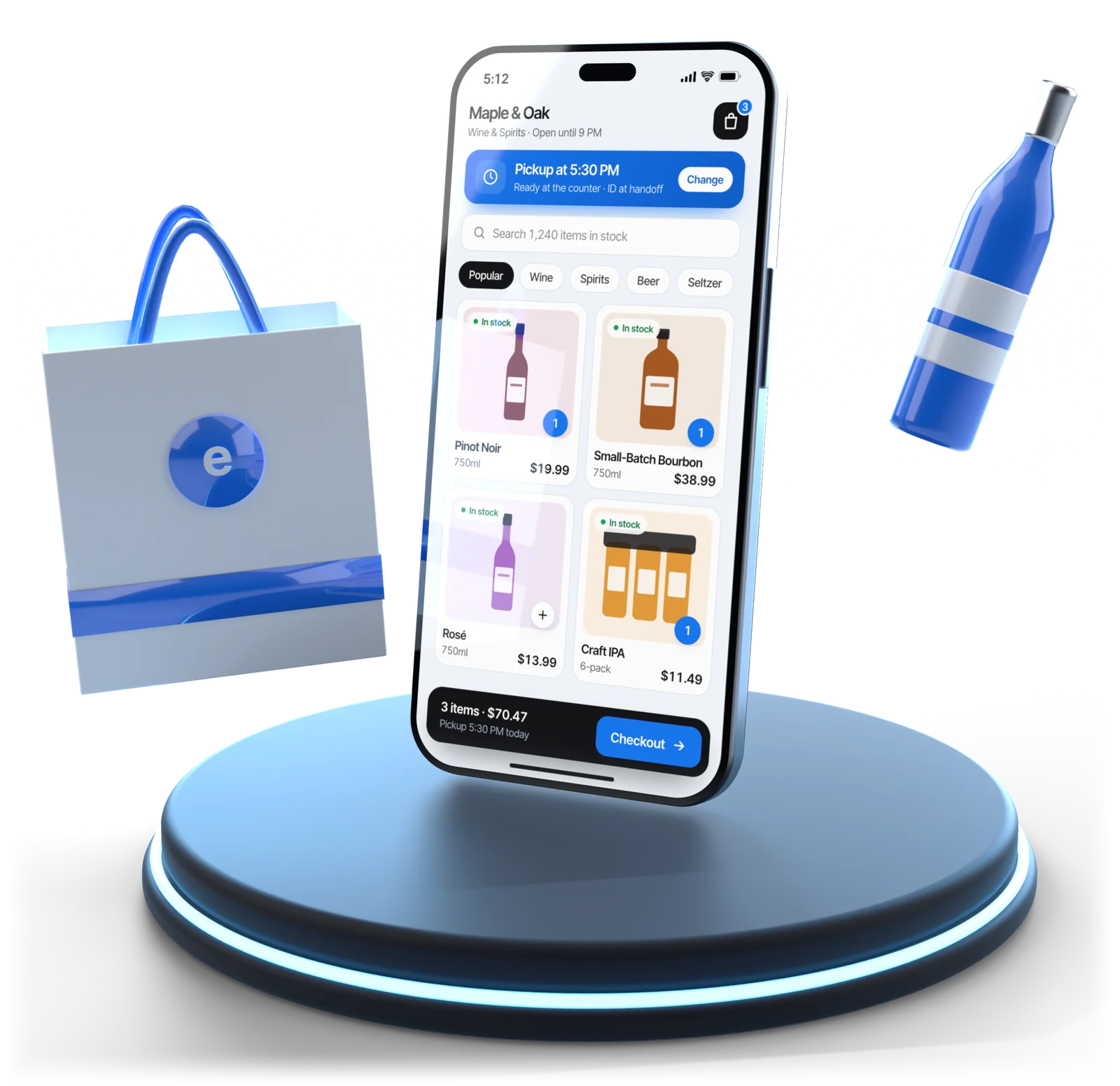
Illustrative example
Your online shop
Online ordering software for a local store is a checkout attached to your real stock, for customers who are already nearby. Esplanda's online shop does what click and collect software does, plus local delivery.
Curbside pickup software built in: customers pick a time, pay online and collect at the counter or the curb.
Draw a zone and set minimums, fees, cutoffs and which categories may go out.
Availability comes from counted stock, with a shelf reserve for walk-ins.
Age gate at entry, acknowledgment at checkout, ID check at handoff, saved with the order.
Online, phone and marketplace orders on one list, not a tablet per app.
With Marketplace Connectivity, the same menu goes to your DoorDash and Uber Eats accounts.
Online ordering and your POS
The fastest way to lose an online customer for good is to take their money for something you don't have. How an online ordering system gets its stock from the register decides how often that happens.
| Setup | How stock reaches the shop | What goes wrong |
|---|---|---|
| Esplanda POS as your register | One catalog and one stock count, updated as sales happen | Nothing to reconcile; the better path |
| Your register, connected to Esplanda | Catalog matched and kept in sync across two systems | Matching for new items and a nightly check |
| A separate storefront, nightly export | A file, once a day | Wrong by lunchtime; substitutions and refunds |
| An online catalog kept by hand | Someone remembers | Prices drift; sold-out items stay listed for weeks |
Change a price at the counter and it changes online, on Esplanda's own POS system with inventory management.
Square, Clover, Lightspeed and KORONA connect too, with matching work for new items. See POS integrations.
The grocery store POS system and the convenience store POS system run the shelves and the online shop on the same count.
Counter-service restaurants, cafés and bars take pickup and delivery orders from the same menu as the counter, into the same order queue. See restaurant management software.
Online sales come off the same stock count, so they count in your forecasts and purchase orders like any counter sale.
Going online
Seven steps, from the live catalog to the first order.
Products, prices and categories exist once, with Esplanda POS or a connected register.
Availability follows counted stock and the shelf reserve.
Zone, minimum order, fees, cutoffs and delivery categories.
Gate at entry, acknowledgment at checkout, ID at handoff.
Keep yours, or apply for Esplanda's, resold through First American Payment Systems, a Deluxe company, from 2.89% + $0.30 online. Your rate is set when First American approves your account.
Online, phone and marketplace orders on one list, from the same stock.
Local search, email to your regulars and loyalty bring the first orders in.
What it costs
Your website and online shop are hosted free, with SSL. Each online order is then 99¢, and the month is capped automatically at $299. You are billed whichever is lower, and Esplanda takes no percentage of your sales.
Your store's website and online shop, on the same catalog and stock count as the counter.
$0 a month, with no card needed to start
A flat fee per order, never a percentage of the sale. At 302 orders the month comes to $298.98; from 303 orders on, you pay the $299 cap.
99¢ per order, capped at $299 a month
Marketplace Connectivity: one menu on your DoorDash and Uber Eats accounts, for prepared food. Sold to stores with $2,000 a month or more in marketplace and delivery revenue, and not to alcohol sellers until legal review clears it.
$69 per location per month
Esplanda POS is free · No setup fee · No contract · No per-user fees · Card processing is optional and priced separately
Every line, and what each one includes, is on Esplanda pricing.
Alcohol
Every alcohol order gets its age checks, for pickup and delivery, and the record stays with the order.
Selling bottles? See the liquor store POS system for ID scans, deposits and case breaks.
Delivery apps
Every delivery app holds its own copy of your menu, and all of them drift. For restaurants, cafés and prepared-food counters, Marketplace Connectivity keeps one catalog on the DoorDash and Uber Eats accounts you already have and shows what each app earns after commission.
A sold-out item comes down everywhere and goes back up when stock arrives.
A per-app price that covers the commission and stays above your margin floor. Esplanda proposes each price; you approve it.
Keeping or dropping an app gets decided on a number, not a feeling.
Your accounts, your agreements. Esplanda works on the DoorDash and Uber Eats accounts you already have. You keep your agreements and payouts, and each app's commission shows in your margin.
Getting found
Building the checkout is the easy half. What fills a shop, strongest first:
People nearby find your hours, products and order button. See our local SEO software.
Your regulars are the likeliest first online buyers. See email marketing for small business.
Online customers join the same records and points. See our customer loyalty software.
People ask ChatGPT, Gemini or Perplexity where to buy nearby. Esplanda checks whether they name your store, and what to fix next. See the AI visibility tool.
New reviews alert you, and each reply is drafted in your voice for your OK. Replies to 1–2 star reviews always wait for you.
Reach at a commission you don't control, measured per app.
Questions
Yes: an order through your own Esplanda shop carries no marketplace commission, and Esplanda takes no percentage of your sales. Esplanda charges a flat 99¢ per order, capped automatically at $299 a month, with hosting free. Card orders carry the card cost, paid to the processor you already use or to Esplanda's, resold through First American Payment Systems, a Deluxe company, from 2.89% + $0.30 online. Your rate is set when First American approves your account, from your current statement.
Hosting and SSL for your website and online shop are free. Each online order is then 99¢, capped automatically at $299 a month, and you are billed whichever is lower. Esplanda POS is free, Esplanda takes no percentage of your online sales, and there is no setup fee and no contract. One catalog on your DoorDash and Uber Eats accounts is Marketplace Connectivity, $69 per location per month, for prepared food, sold to stores with $2,000 a month or more in marketplace and delivery revenue and not to alcohol sellers until legal review clears it. Card processing is optional and priced separately. Every line is on Esplanda pricing.
Drive availability from counted stock, not a spreadsheet. Esplanda hides sold-out items on its own and lets you hold back a shelf reserve for walk-in customers. Stale availability is a common cause of refunds and substitutions in local online ordering.
With Esplanda POS as the register, the online shop and the counter share one catalog and one stock count, so a price change or a sale at the counter shows online too. If you keep a Square, Clover, Lightspeed or KORONA register, Esplanda connects to it and keeps the catalog in sync, with some matching work for new items.
Esplanda runs an age gate on entry, an age acknowledgment at checkout and an ID check at handoff for pickup and delivery, with the record kept on the order. Alcohol delivery rules are set by your state, your town and your license, and you set the zone, hours and categories to match.
Yes, with Marketplace Connectivity: Esplanda keeps one catalog, pushes items, prices and availability to the DoorDash and Uber Eats accounts you already have, brings every order into one queue, and proposes each app's price for your OK. It shows what each app earns after commission, with each app's fee in your margin. You keep your agreements and payouts. The line is for prepared food, sold to stores with $2,000 a month or more in marketplace and delivery revenue, and not to alcohol sellers until legal review clears it.
Both, for different jobs. Your own online store keeps the margin and the customer relationship; the delivery apps bring reach at a commission you don't control. The useful measure is margin per channel after fees, which Esplanda shows, rather than order count.
For most single-location stores, a fast mobile website is enough, because the hard part of an app is getting people to install it and open it again. A branded app pays off when you already have a loyal base and will keep pushing installs.
Take orders online from the stock you really have.
Esplanda POS and your website are free to start, with no card needed. Add paid tools only when you want them. Pricing your online shop? The free price check shows what comparable stores near you charge.
